

- Introduction
- 30min charging test (from 0%)
- 3dmark wild life vulkan 1.1 (offscreen 1440p)
- A1980
- Alternative offers
- Apple ipad mini (2021) specs at a glance:
- Apple ipados 15
- Apple pencil and sidecar support
- Battery life
- Charging speed
- Compare phones, smartphones, tablets —
- Design, build quality, handling
- Geekbench 5 (multi-core)
- Geekbench 5 (single-core)
- Our verdict
- Performance and benchmarks
- Photo quality
- The mini gets an 8.3″ liquid retina screen
- Time to full charge (from 0%)
- Unboxing the apple ipad mini (2021)
- Video quality
Introduction
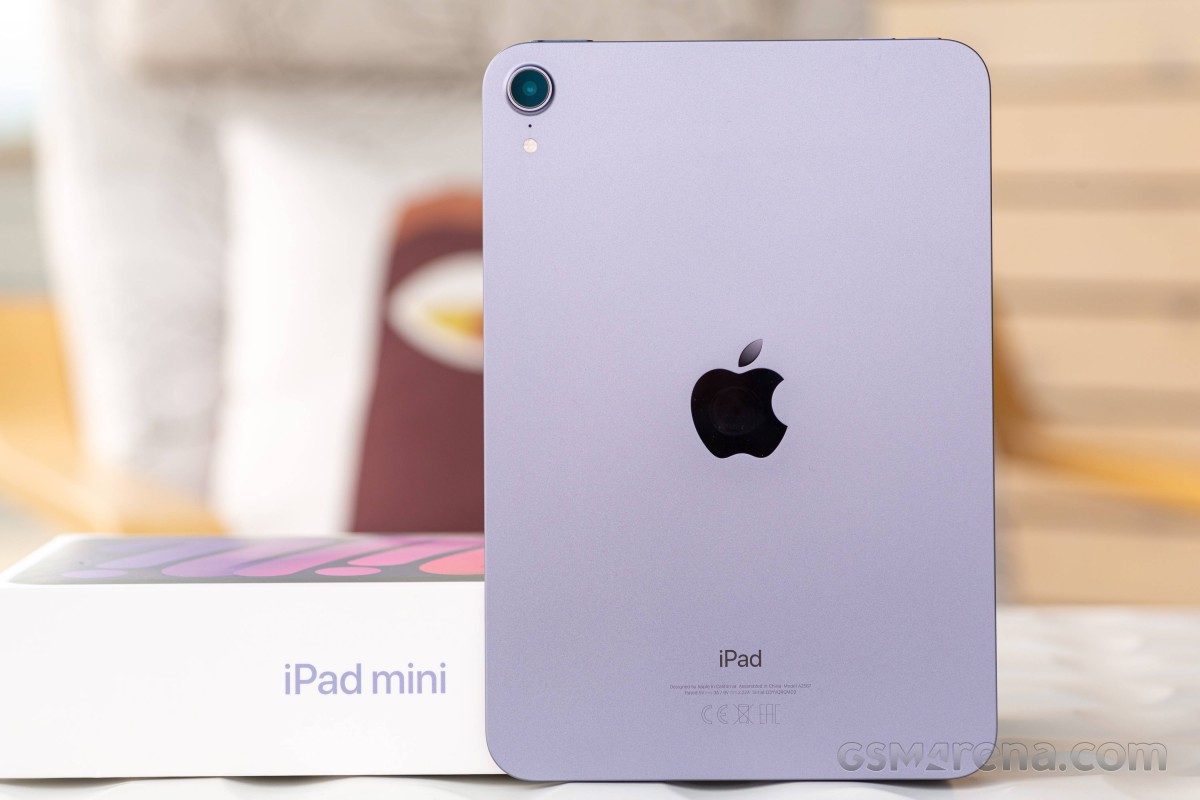
Rejoice iPad mini fans, the smallest Apple tablet has just gotten its biggest upgrade to date! There is so much new stuff — a larger screen in a smaller body, the latest A15 Bionic chip with 5G, new cameras, new USB-C port, new Touch ID, and oh, a brand-new design, of course. Meet the sixth-gen iPad mini!
It’s been two and a half years since the last iPad mini and nine years since the first one, but the wait was totally worth it! For the first time since the original, the iPad mini has changed its shape and display size. The recent Apple iPhones and iPad Pro tablets are the inspiration behind the new design — it adopts the same flat sides and flat frames.
The screen has a new aspect ratio of 3:2 and a longer diagonal of 8.3-inch. And it is now a Liquid Retina unit with wide-color support, yet another first for the mini. It also comes with True Tone and the usual oleophobic coating on top of its tempered glass.
The Apple A15 Bionic chip from the latest iPhone 13 series powers the iPad mini, too. It’s a massive jump over the previous A12 Bionic and should make the iPad mini one of the most powerful slates on the market right now.
There are all new cameras on this mini, too. The front one is a 12MP ultrawide camera with a 14mm f/2.4 lens that supports the cool Center Stage feature. There is also a new 12MP rear camera with Smart HDR3 and up to 4K at 60fps video capturing.
There are stereo speakers on the sixth iPad mini, you also get 20W fast charging, and there is a new Touch ID sensor, now side-mounted on the power key.
We also want to mention the switch to USB-C port, which may be rendering all Lighting accessories useless, but it opens the door to a whole new world. There is also bad news with this transition — the 3.5mm jack is now gone for good.
Finally, there is one upgrade you cannot really tell — the iPad mini (2021) supports the second-gen Apple Pencil, and there is a magnetic charging spot on its frame. The stylus is absurdly expensive at €135, though, so we can’t imagine many people getting it if they went for this €550 tablet.
30min charging test (from 0%)
Higher is better
One hour of charging takes you at about 70%, while a full charge requires a couple of minutes shy of 2 hours — not bad but less than stellar considering the size of the battery.
3dmark wild life vulkan 1.1 (offscreen 1440p)
Higher is better
The new Apple A15 Bionic chip is doing an amazing job in terms of performance, and it can handle anything. The CPU and GPU are so powerful, overly powerful for this moment anyway. This means if you get this iPad mini, it should be up for whatever task for the next 2-3-4 of years.
It also offers great sustained performance — it throttled down to 88% in 3D Mark Stress Test and 79% in the APSI CPU stress test.
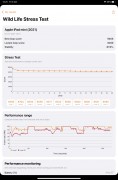
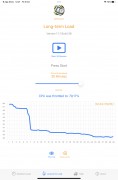
3D Mark • APSI Bench
The iPad mini is all metal and cools very well even when using 100% of its hardware (which rarely happens). It doesn’t get hot, just warm at one of its sides, and that’s it.
A1980
Also known as Apple iPad Pro (11-inch, 1st generation)Wi-Fi Cellular & GPS: A2021, A1934 (Global); A1979 (China)Wi-Fi only, w/o GPS: A1980 (Global)
| Network | Technology | GSM / CDMA / HSPA / EVDO / LTE |
|---|---|---|
| 2G bands | GSM 850 / 900 / 1800 / 1900 | |
| CDMA 800 / 1900 | ||
| 3G bands | HSDPA 850 / 900 / 1700(AWS) / 1900 / 2100 | |
| CDMA2000 1xEV-DO | ||
| 4G bands | 1, 2, 3, 4, 5, 7, 8, 11, 12, 13, 14, 17, 18, 19, 20, 21, 25, 26, 29, 30, 34, 38, 39, 40, 41, 46, 66, 71 — A2021 | |
| 1, 2, 3, 4, 5, 7, 8, 11, 12, 13, 14, 17, 18, 19, 20, 21, 25, 26, 28, 29, 30, 34, 38, 39, 40, 41, 42, 46, 66, 71 — A1934 | ||
| Speed | HSPA 42.2/5.76 Mbps, LTE-A (4CA) Cat16 1024/150 Mbps, EV-DO Rev.A 3.1 Mbps |
| Comms | WLAN | Wi-Fi 802.11 a/b/g/n/ac, dual-band, hotspot |
|---|---|---|
| Bluetooth | 5.0, A2DP, LE, EDR | |
| GPS | Yes, with A-GPS, GLONASS, GALILEO, QZSS (Wi‑Fi Cellular model only) | |
| NFC | No | |
| Radio | No | |
| USB | USB Type-C 3.1; magnetic connector |
| Misc | Colors | Silver, Space Gray |
|---|---|---|
| Models | A2021, A1934, A1980, A1979, iPad8,1, iPad8,2, iPad8,3, iPad8,4 | |
| SAR | 1.19 W/kg (body) | |
| SAR EU | 0.99 W/kg (body) | |
| Price | About 880 EUR |
Alternative offers
There aren’t many tablets like the Apple iPad mini, and that’s one of the reasons it’s been so popular since its premiere back in 2021. The smaller tablets are a niche that Apple has dominated for years, and the 8-inch Android slates have never been much of a competition since they are mostly entry-level devices.
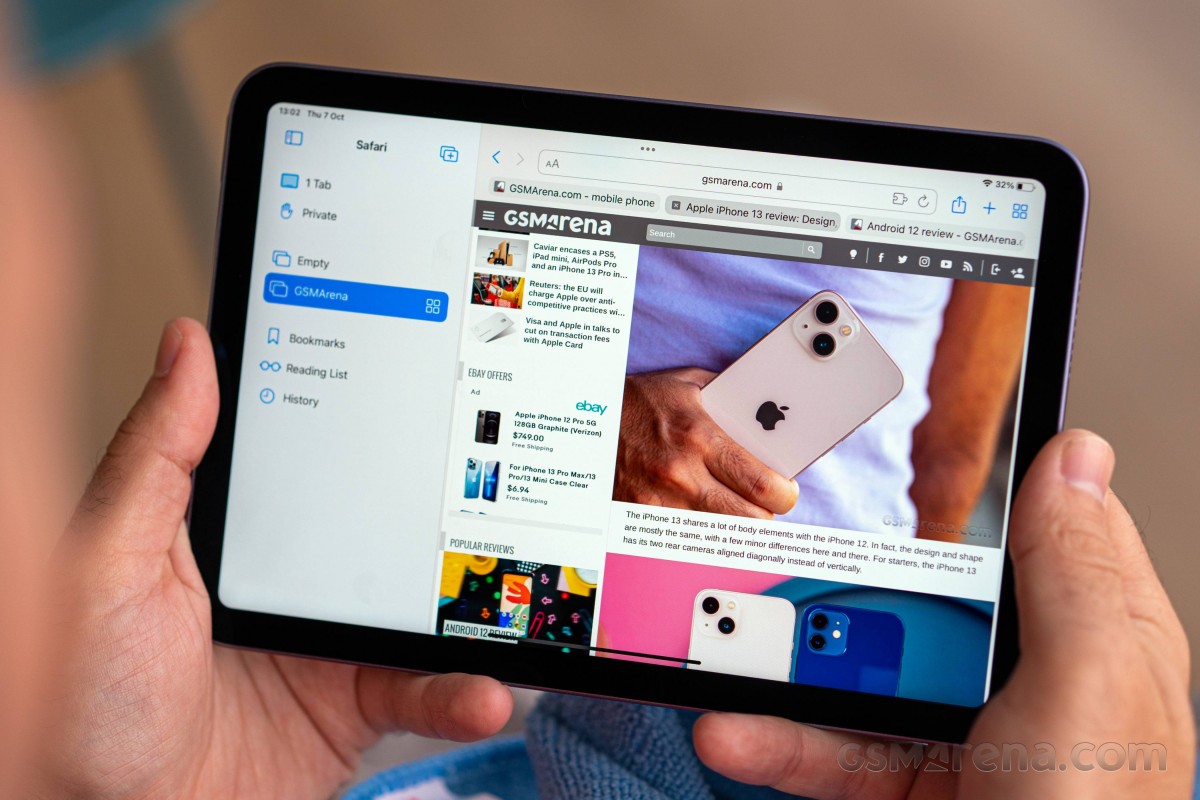
The latest iPad mini gets a lot of things right — the updated screen size and aspect change are very much welcome, the new design is cool, and the A15 Bionic with optional 5G connectivity is a game-changer. It finally offers properly positioned speakers, there is a standard USB-C port, and the camera upgrades are significant, too.
The first alternative offer that comes to mind is the entry-level Apple iPad 10.2, which was refreshed together with the iPad mini. It has a larger display, but it’s inferior in sharpness and doesn’t support wide color. It still impresses with performance and has the new 12MP Center Stage front camera, plus it can handle Apple Pencil 1st Gen.
Apple ipad mini (2021) specs at a glance:
- Body: 195.4×134.8×6.3mm, 293g; Glass front, aluminum back, aluminum frame; Stylus support (2nd gen only).
- Display: 8.30″ Liquid Retina IPS LCD, 500 nits (typ), 1488x2266px resolution, 13.71:9 aspect ratio, 327ppi; Wide color gamut, True-tone.
- Chipset: Apple A15 Bionic (5 nm): Hexa-core (2×2.93 GHz 4xX.X GHz); Apple GPU (5-core).
- Memory: 64GB 4GB RAM, 256GB 4GB RAM.
- OS/Software: iPadOS 15.
- Rear camera: 12 MP, f/1.8, (wide), AF.
- Front camera: 12 MP, f/2.4, 122˚ (ultrawide).
- Video capture:Rear camera: 4K@24/25/30/60fps, 1080p@25/30/60/120/240fps; gyro-EIS; Front camera: 1080p@25/30/60fps, gyro-EIS.
- Battery: 5078mAh; 20W fast charging.
- Misc: Fingerprint reader (side-mounted); Siri natural language commands and dictation.
The sixth iPad mini is a really nice tablet though we can’t but miss HDR support for the display. The new screen is alright, and we do appreciate the wide color support, but HDR10 and/or Dolby Vision would have made it so much better. We guess Apple had to leave out something that will come with the seventh iPad mini, and while we do not agree with that, it’s the Apple way.
Apple ipados 15
The newest iPad runs on the latest iPadOS out of the box. Apple renamed iOS for iPad back in 2021 as it has become much more powerful, a symbolic gesture but a necessary one for sure.
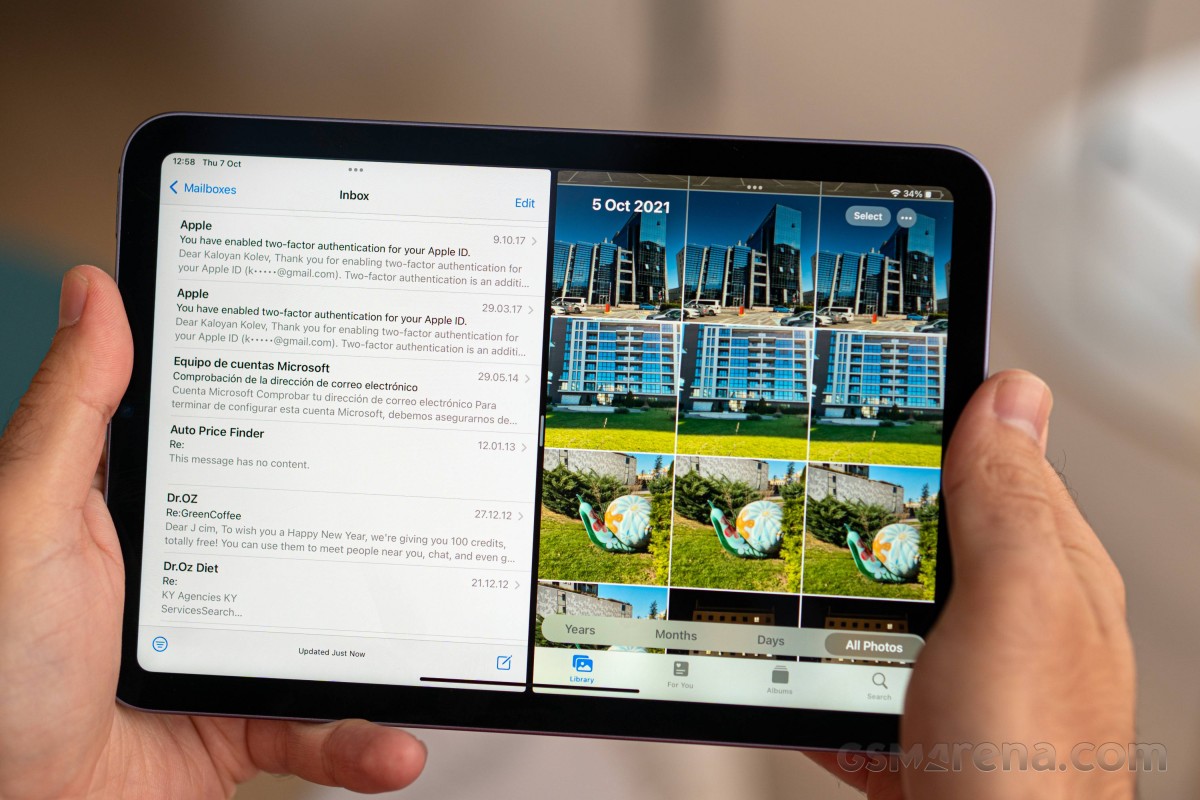
The iPads now offer more sophisticated multi-tasking, USB-C accessories compatibility, desktop-oriented Safari, Sidecar option and expanded mouse, keyboard, trackpad and Apple Pencil support. So yes, a new OS name was due, and iPadOS is a fitting one.
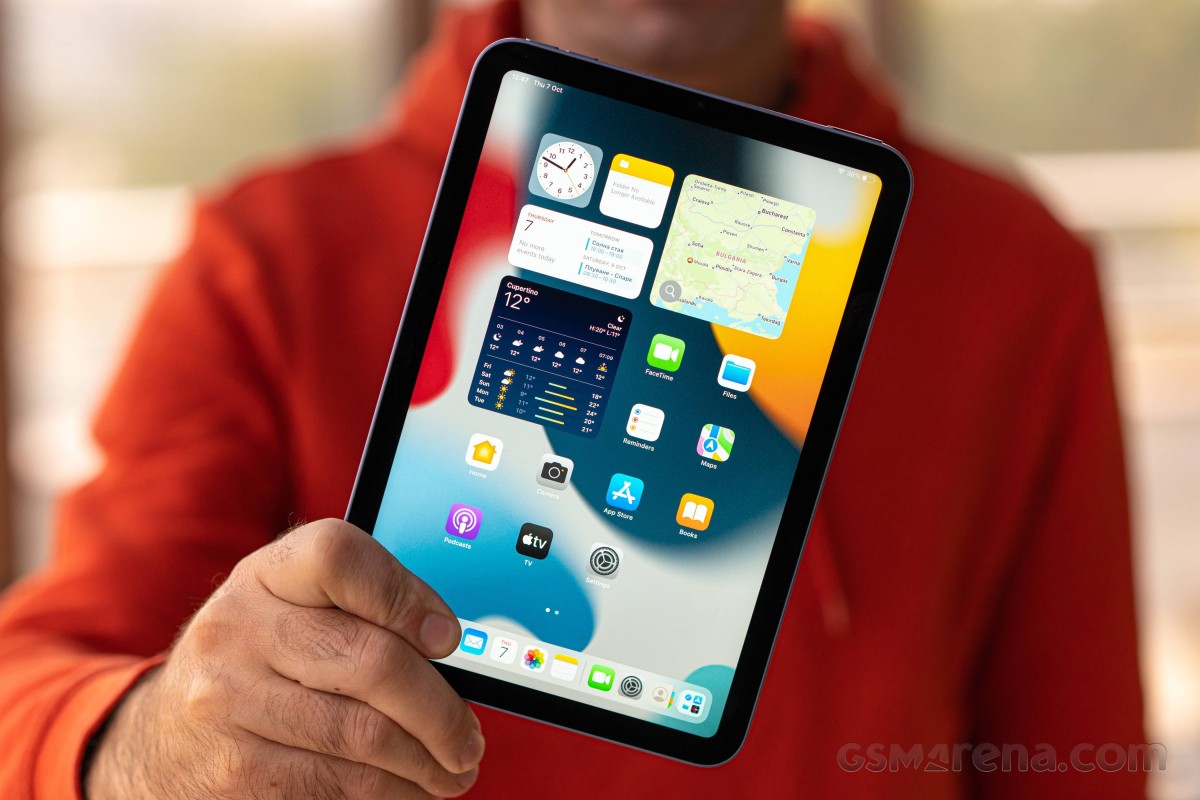
The iPadOS interface is still based on homescreens populated with apps and widgets, App Library for your less important apps, and Notification and Control Centers.
The lockscreen on the iPad mini is as simple as possible — it shows the time and the date. Yet, it can be powerful if you give Lockscreen access to some or all features it supports. For example, if you swipe up, you will bring the Notification Center, while a swipe down shows the Spotlight search and quick shortcuts.
Swipe right, and Today page shows up, swipe left, and you are in Camera. Finally, you can also enable the Control Center — it’s summoned with a swipe down from around the top left part of the screen. It’s cool you can decide the range of your privacy.
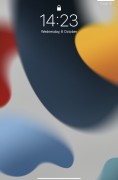
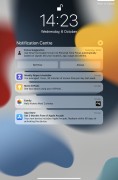
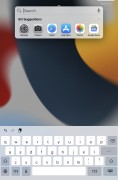
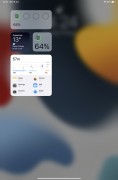
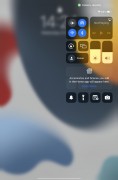
Lockscreen(s)
The TouchID sensor is now placed on the Lock key, and it is incredibly fast and with superb accuracy. If secure unlock is enabled, you won’t be able to pass the lockscreen no matter what features you’ve enabled on it. Sure, quick search works, you can see some notifications and widgets, even take a picture, but you are still locked from the core OS functions.
Your apps usually populate the homescreen(s) with apps and various size widgets (single or stacked). There are two specific screens — the leftmost is the Today page, while the rightmost page — App Library.
You can hide specific homescreens dynamically — you may have a page that’s full of games and hide when at work or hide a page of work/school apps when on vacation. You can’t opt-out of Today and App Library, though.
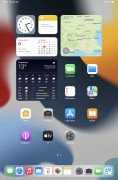
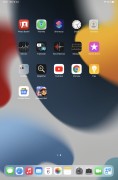
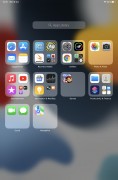
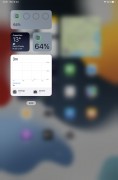
Homescreen • Homescreen • App Library • Today
The App Library is an app drawer, which is always your rightmost homescreen pane. Apps are added automatically to the App Library upon installation. The sorting is also an automatic process, and you can’t edit the categories or move apps into different categories. The app sorting depends on the App Store tags the developer has used upon uploading the apps.
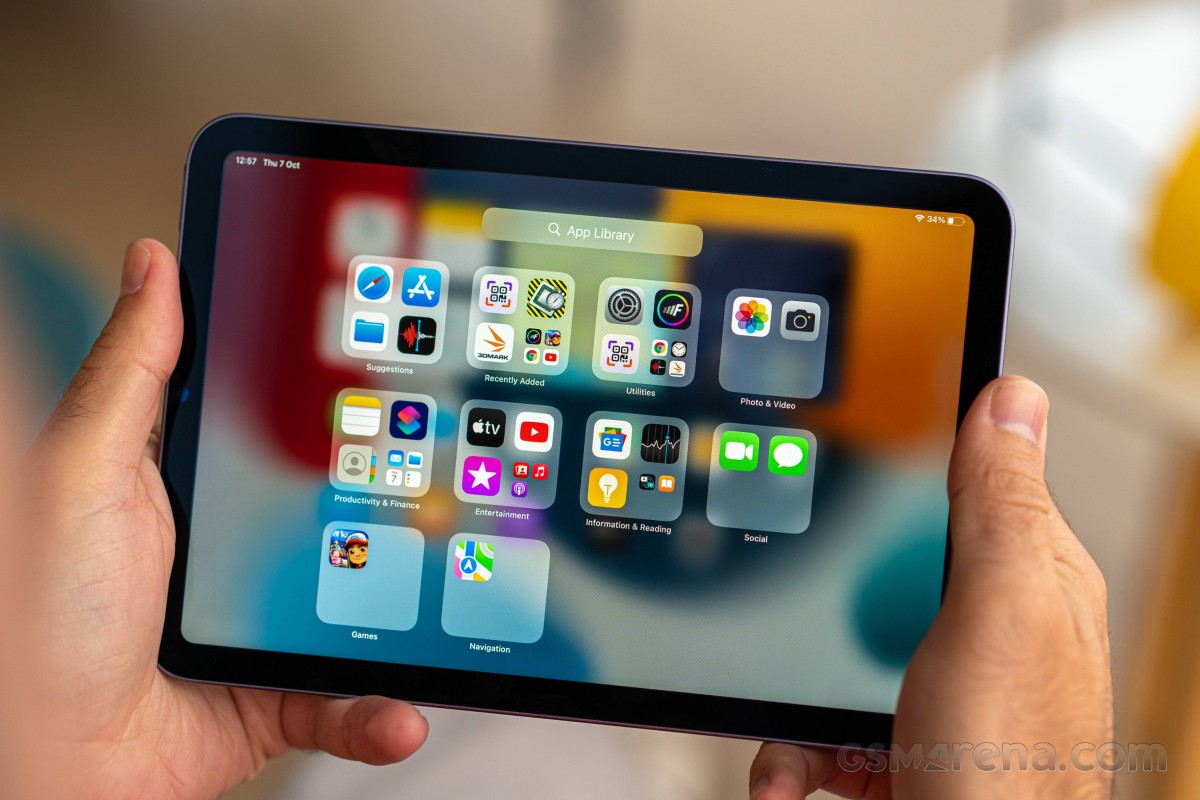
The Today page is still alive, but barely. You put the same widgets and stacks you can on your homescreen(s). Here you can also use the old third-party widgets that haven’t been optimized yet for newer iOS versions. The old widgets come right after the new ones, should you choose to use some new ones, of course.
The Notification Center is summoned with a swipe from the left part of the top status bar. The Control Center, which has customizable and (some) expandable toggles, is called with a swipe from the right part of the status bar.
Tap and hold works as quick actions on various apps throughout the homescreens and the Dock.
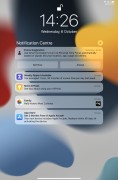
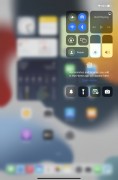
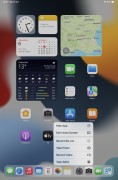
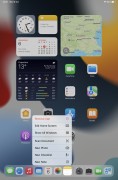
Notification Center • Control Center • Tap and Hold for quick shortcuts
Apple pencil and sidecar support
If you like taking notes on the go and you are good in sketching and drawing, maybe you will also appreciate the Apple Pencil support, now bumped to Generation 2. It attaches magnetically on the side and recharges automatically.
You can write and draw within the Notes app, add markup on photos, or maybe even draw within apps like Adobe Fresco.
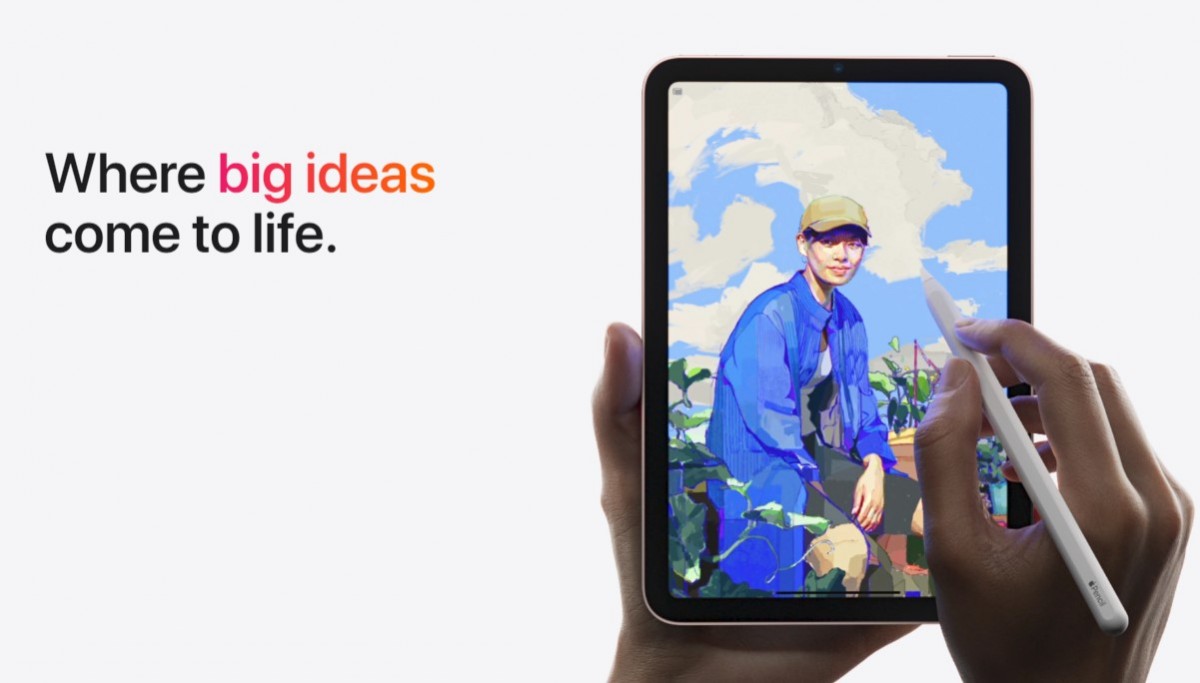
Apple iPadOS 15 also brings a new feature called Quick Note. It does exactly what the name suggests — it brings a pop-up window where you can take a quick note. You can draw, but you can also put whatever on it — web links, tags, and a number of mentions to events or people.
You can start a quick note from the Control Center, from a keyboard shortcut, you can also swipe from the corner using the Pencil or your finger.


Quick Note(s)
There is also the Sidecar feature, which requires a compatible Mac (models released in 2021 or later). If you have such Mac, you can use the Apple iPad mini as a second display — mirrored or extended.
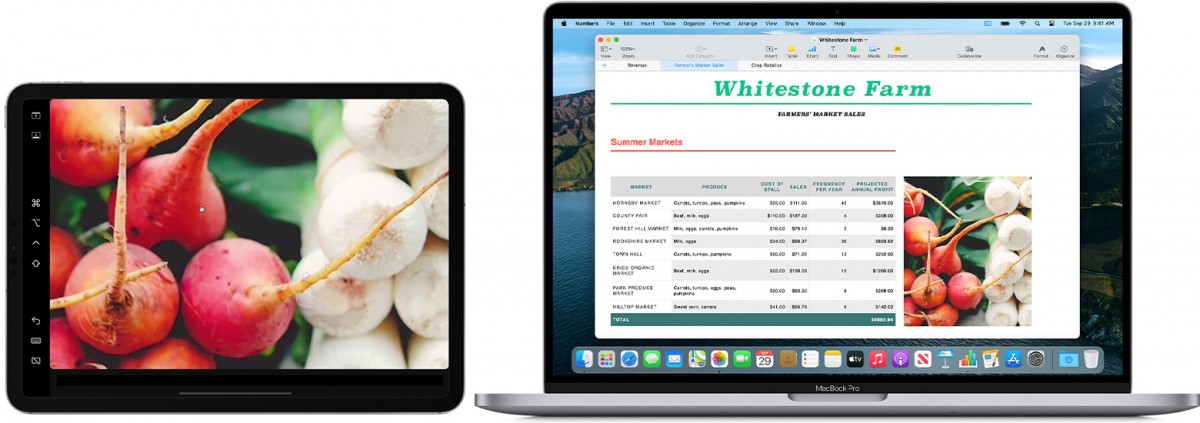
You can drag windows in extended more just like you would do on a real monitor. It’s a cool feature for when needing more screen estate to do your complex work.
Battery life
The sixth-generation iPad mini has the same battery as the old one — a 5,124mAh cell. It supports fast charging via a 20W power adapter.
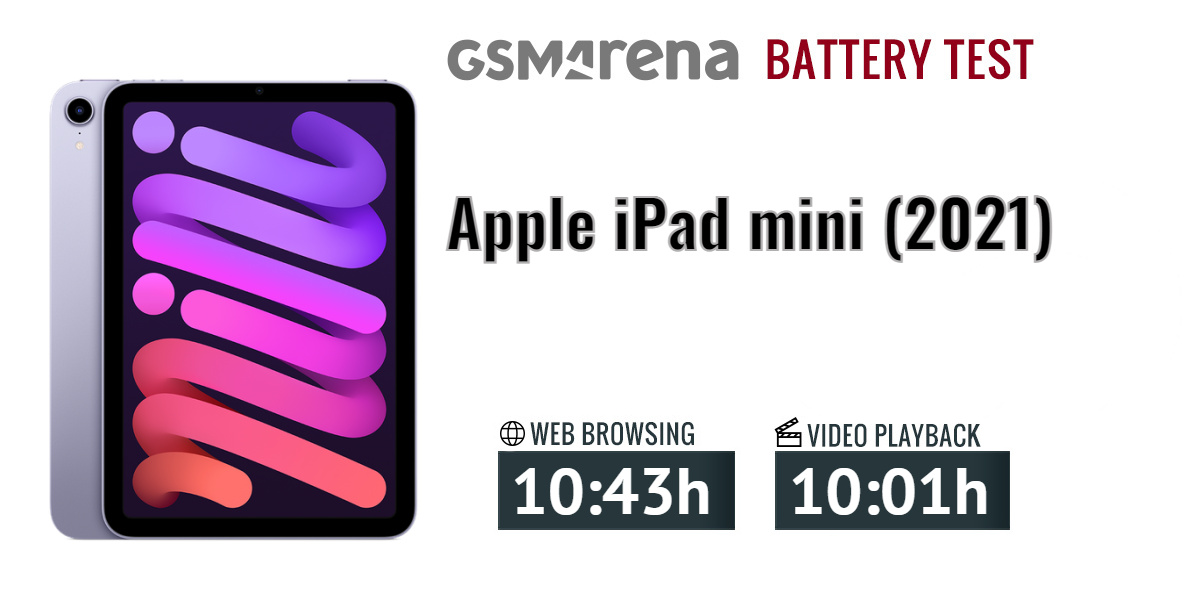
Apple promises 10 hours of web browsing or video playback for this iPad mini, the same as on the iPad mini 5 and iPad mini 4 models. Well, our battery life test confirms these are 100% true statements. Indeed, the iPad mini 6 clocked 10 hours and 43 minutes on our web browsing test and 10 hours on the video playback test.
Charging speed
The Apple iPad mini 6 supports fast charging via USB Power Delivery power adapters, with a maximum of about 25W power. Apple is shipping the tablet with its 20W charger, so you don’t need to purchase anything.
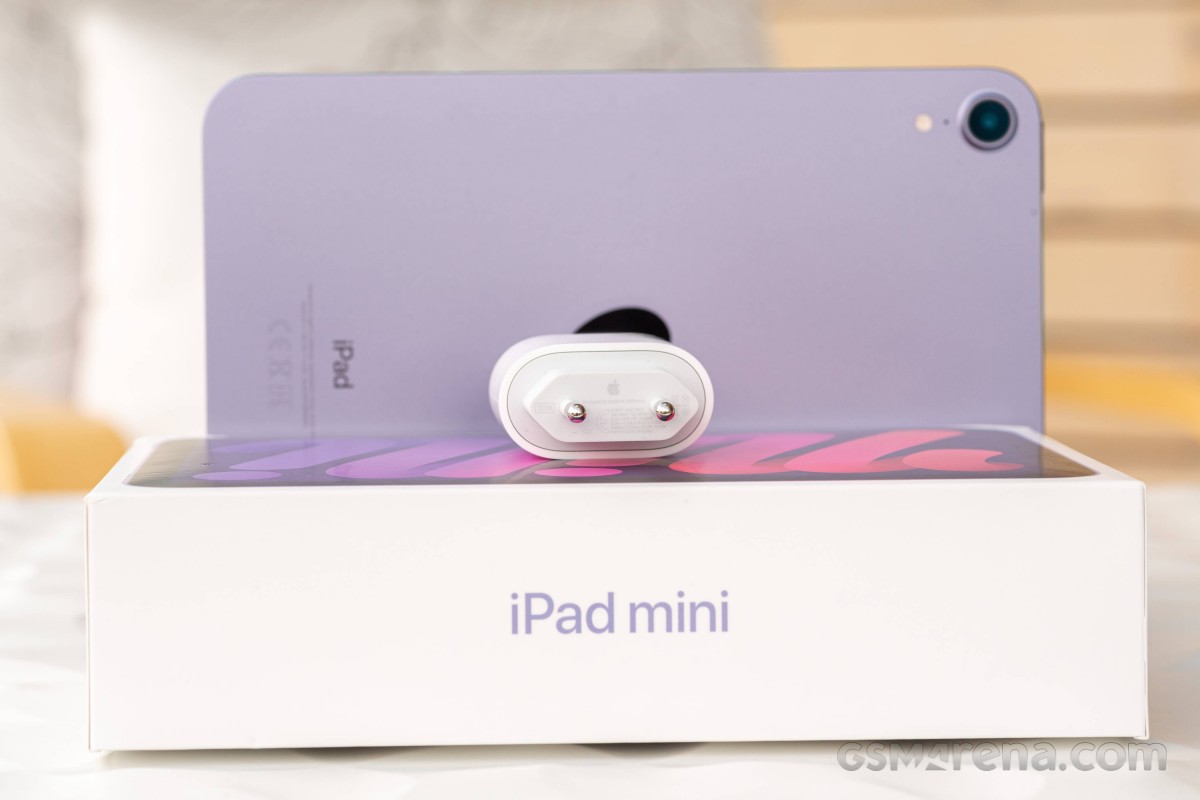
So, if you plug the iPad in Apple’s bundled 20W charger, it will refill 35% of its dead battery in half an hour.
Compare phones, smartphones, tablets —
Design, build quality, handling
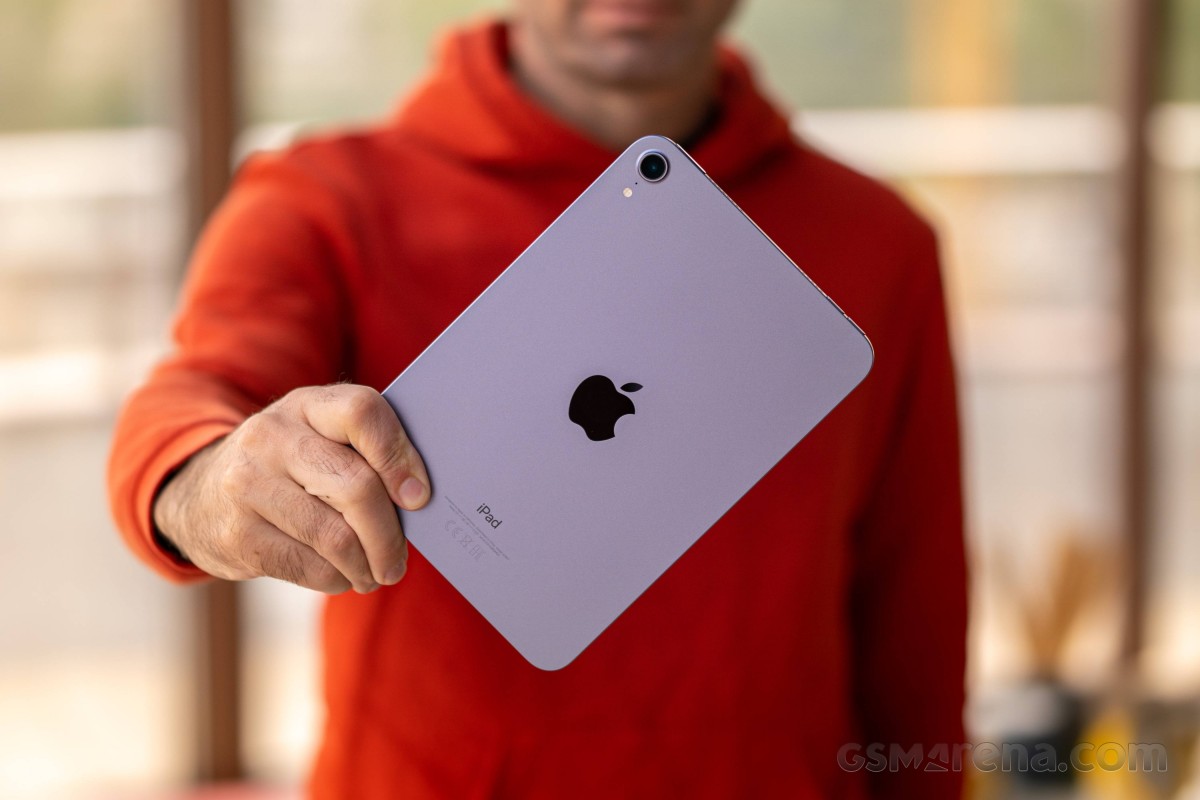
Imagine the iPhone 13 but stretched and voila — you get the iPad mini 6. And this is a genuine compliment, as the latest iPhone design may not be everyone’s favorite, but it feels just right on a tablet.
The sixth iPad mini is breaking the mold, and for the first time since the «mini» inception, we are witnessing a display swap. Here is what happened — the front Touch ID/Home key is gone, the screen aspect has changed from 4:3 to 3:2, and its diagonal grew larger up to 8.3″, while the metal body has shrunk. Indeed, it’s a lot to take in.
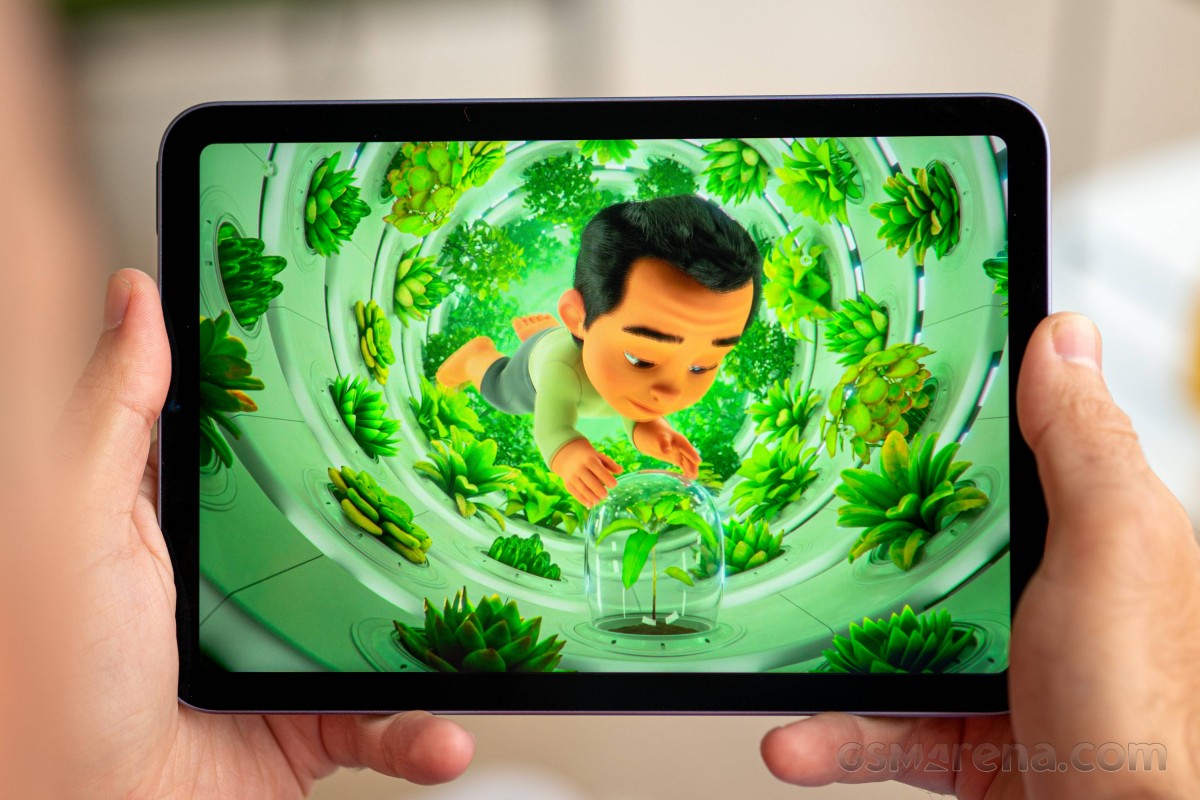
In fact, the iPad mini looks quite modern and we just love the smaller screen bezels, which are now equally thin across all four sides. This is what allows the screen to grow, and yet the iPad can keep the same compact body. Well, this and the new aspect ratio, of course.
So, the iPad mini uses a cool aluminum unibody with a flat back and flat frame. The only curves you can see are the four rounded corners, like all recent Apple designs. And yes, the iPad mini can stand on its own since we know you’d never ask.
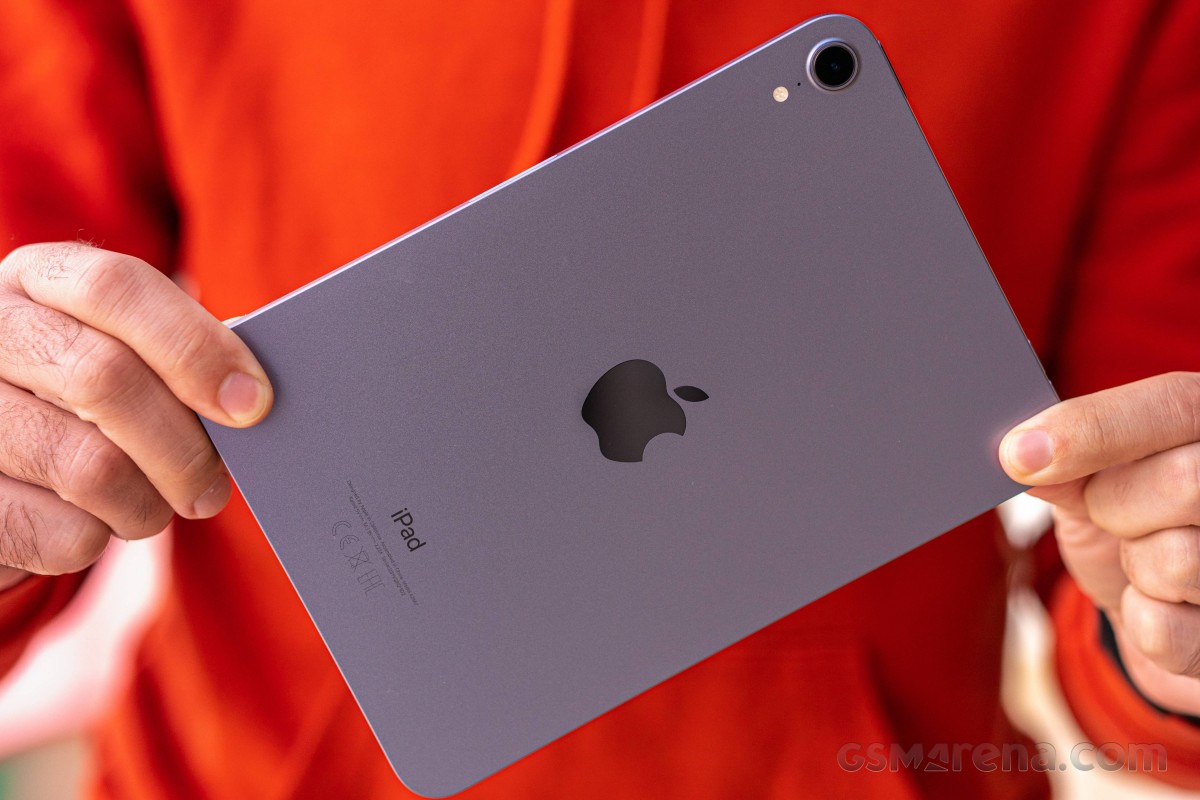
We bought the new Purple color, and it’s lovely — not too flashy, more like subtly fresh. You can also get the iPad mini in pink or in the traditional white and gray colors (officially called Starlight and Space Gray). The brushed finish of the aluminum is still prone to fingerprints and smudges; it just takes more time for their accumulation. If you don’t like seeing these unpleasantries, you should opt for a brighter color like white or pink.
The front is home to the new 8.3″ IPS LCD Liquid Retina display, up from 7.9″ diagonal on the previous iPad mini models. It has a smaller frame as there is no Touch ID/Home button and is now with rounded corners. We would have liked an improved LCD panel with HDR, but it is what it is.
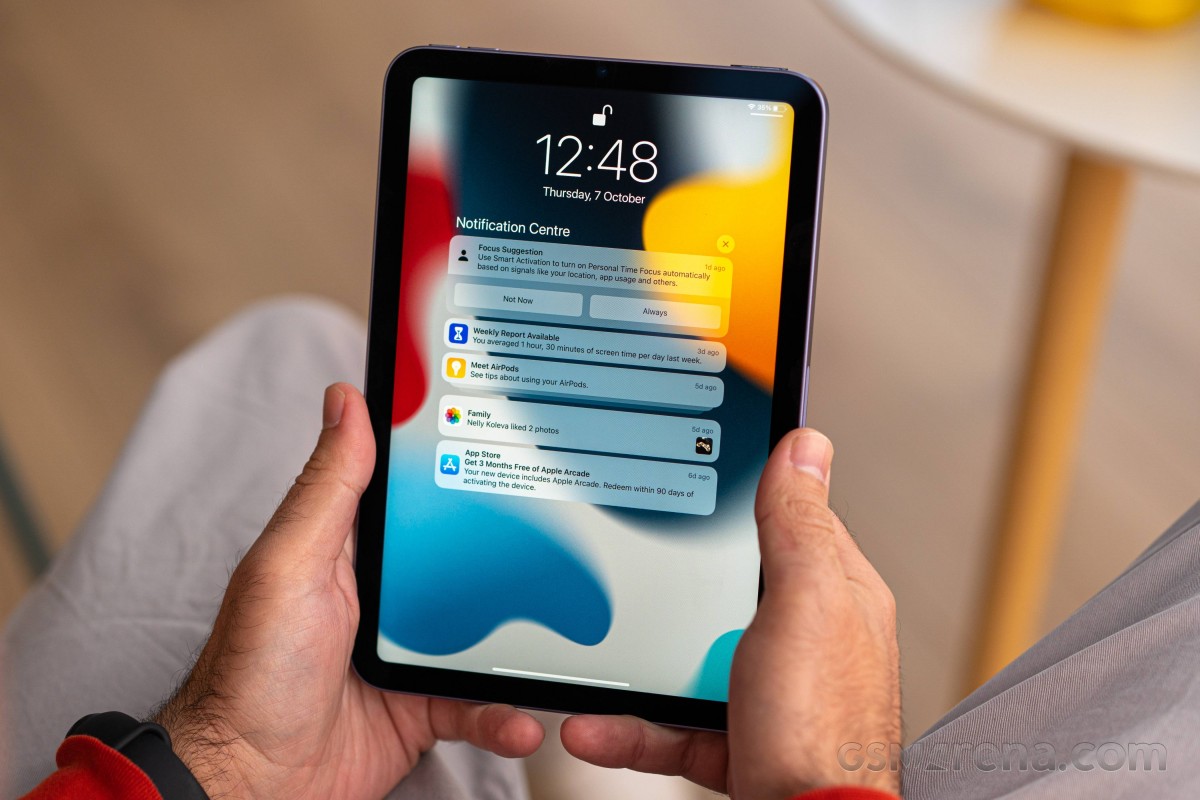
There is a 12MP camera that’s barely noticeable above the screen — it’s a massive upgrade over the old snapper, with a 14mm ultrawide-angle lens and support for the innovative Center Stage feature.
The display panel is protected with flat tempered glass, which has an additional oleophobic coating for better fingerprint resistance. Not that it eliminates fingerprints, of course, but it is incredibly easy to wipe them clean with the back of your shirt, or even your palm.
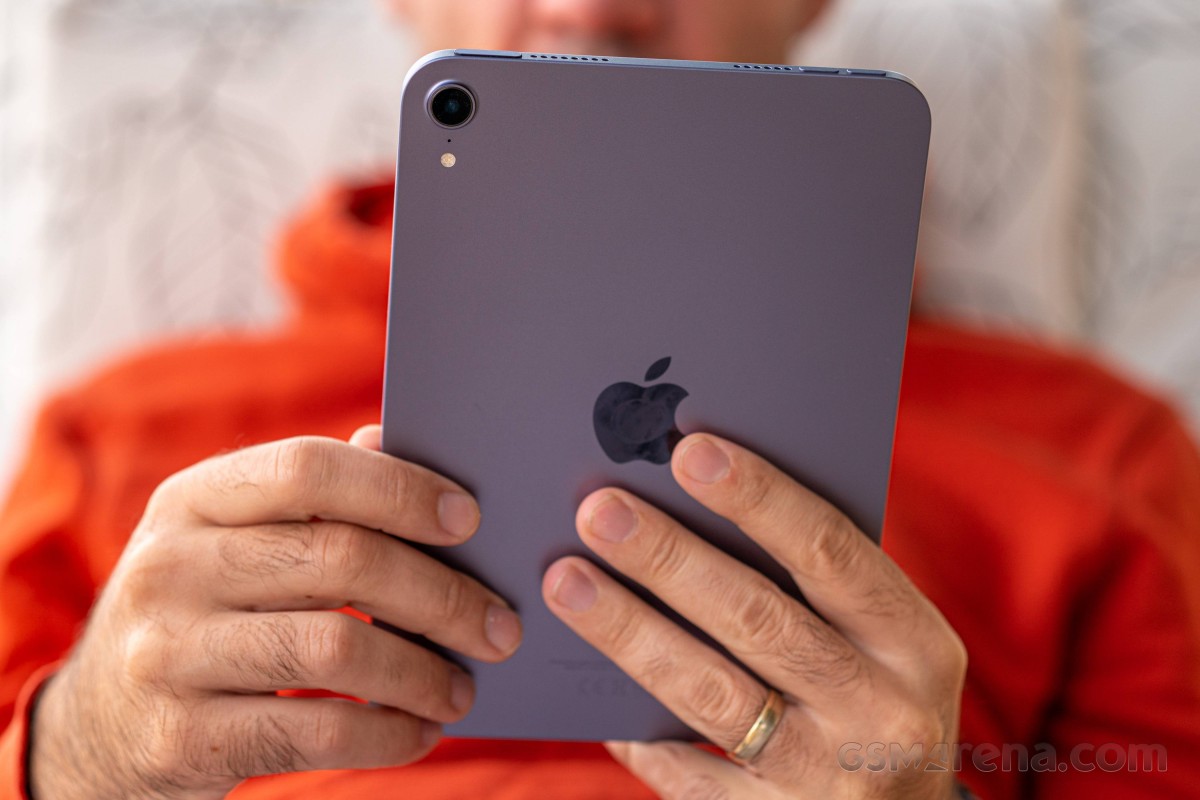
The only major interruption on the back is the 12MP rear camera, yet another update over the old iPad mini and its 8MP snapper. The lens is jutting out a little bit, but it won’t make the new iPad mini wobble when used on a desk.
Below the camera, you can also spot one of the microphones and a quad-LED flash.
Now, let’s look around the sides. For the sake of consistency, we’d explore them as if the iPad mini was handled in portrait orientation.
The left part of the tablet is completely bare, with no controls here.
On the right, you can clearly see the magnetic charger/holder for the Apple Pencil, and this is the only place the pencil clicks should you decide on buying this overpriced stylus.
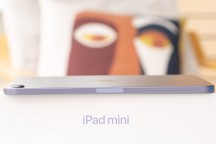
Left side • Right side
Geekbench 5 (multi-core)
Higher is better
Geekbench 5 (single-core)
Higher is better
The 5-core Apple GPU is incredibly powerful, and for such a small tablet with a 60Hz screen, it is, in fact, overqualified for the job. Oh, and yes, it is one of the most powerful mobile GPUs in the world right now.
Our verdict
The new Apple iPad mini is a great little tablet — it has a bright 8.3-inch display with good contrast, proper stereo speakers and one of the most powerful chipsets — things that make the iPad mini a superb multimedia and gaming device.
The sixth-generation iPad mini also brings Apple Pencil 2 support, this new cool design, and the universal USB-C port that opens a door for many third-party accessories. The tablet can also be used as a second screen to any modern Mac thanks to Sidecar support.
Finally, the good battery life and the access to the rich Apple AppStore can easily sell this iPad mini well.
It’s not an ideal device, though. First, the screen isn’t as great as we’d hoped for — it is not HDR-capable, and there is the jelly effect when scrolling in portrait mode. Then, if you like the Apple Pencil experience, you need to spend €135 extra for this stylus, which is outrageously expensive.
Lastly, Apple iPadOS may not be everyone’s cup of tea because of its more complex file management and other tiny restrictions that pile up eventually. If you decide to get involved in Apple’s ecosystem, you really need to be ready to put up with their way of handling things and their walled garden of services.
That is not bad per se — Apple offers great iCloud sync and subscription services, there are many games that run better on iPads, you get at least 5 years of software updates, plus — there is a reason the iPads are the best-selling tablets in the world — Apple pioneered this device and shaped what it needs to do and what — doesn’t.
And Apple has since abided by these rules, and every iPad has turned successful. Because the iPad was not made to replace your laptop, it was made to ease your day and give you a larger canvas than your phone, and that’s what the iPad mini, or any iPad for that matter, does incredibly well.
Performance and benchmarks
One of the best features of this new iPad mini is its heart — the Apple A15 Bionic chip, the same one powering the latest iPhone 13 models. It is manufactured on a second-gen 5nm TSMC process and packs the whopping 15 billion transistors.
The A15 chip relies on a hexa-core processor with 2 big Avalanche cores clocked at 2.93GHz and 4 small Blizzard cores working at 1.82GHz. The high-speed cores work at a slightly lower clock speed on the iPad instead of the 3.23GHz on the iPhone 13 series.
There is a 5-core Apple GPU for the iPad mini, the same found within the iPhone 13 Pro devices.
The new A15 has a new 16 core Neural Engine, too, powering features such as on-device voice and image recognition and other advanced machine learning tasks. On top of that, there is a new ISP on board, twice the amount of cache, as well as a new display engine and new video encoders and decoders.
The iPad mini (2021) has 4GB of RAM and can be purchased in 64GB and 256GB options. You can also choose between Wi-Fi-only and 5G Cellular versions, with the latter employing Qualcomm’s X60 5G modem.
We ran the usual benchmark apps, and quite expectedly, the Apple A15 Bionic processor aced them all. The single-core performance is incredible, which matters quite a lot during OS interactions and basic operations.
Photo quality
The 12MP photos from the rear camera shot on this beautiful sunny day are great — they are sharp, have good dynamic range, and have outstanding color accuracy and white balance.
There is plenty of resolved detail, though the foliage is often hit-or-miss once again. This is valid across all Apple devices, unfortunately.
The noise levels are a bit higher than we’d expected them to be, but we suspect that’s because Apple decided on gentler noise reduction, which will not smear intricate detail.
Overall, we are happy with the daylight photos.











Rear camera, 12MP
The 12MP low-light photos are acceptable, in fact, they turned out better than we expected. There resolved detail is enough for such images; the contrast is good, and the noise, even if high, doesn’t ruin the whole thing.
The photos are a bit desaturated and with rather low dynamic range, but we shot a lot of them and got zero blurry photos — they are all the same — sharp and perfectly usable.
There is no Night Mode on the iPad mini. No Portrait Mode either.








Rear camera low-light, 12MP
The front-facing camera has a 12MP sensor behind a 14mm f/2.4 lens. It offers Retina flash, where your screen lights your face up in a particular color to provide more pleasing skin tones based on the color of the ambient light.
The interface for the front camera always defaults to the zoomed view, which corresponds to 28mm-ish, or 2x over the ultrawide (14mm) option.
So, if you decide to capture selfie photos in ultrawide mode, you will end up with one of the best ultrawide selfies we’ve seen to this date, even if we look awkward on them. There is plenty of detail, great contrast and once again — superb color presentation. The dynamic range is good, and the noise is low to tolerable in not ideal light conditions.






Front camera wide mode, 12MP
The default zoom view crops the center of the ultrawide images and then upscales it back to 12MP. And that’s why the 12MP zoomed selfies are pixelated and looking poor. They do share the rest of the good stuff with the ultrawide images, of course.






Front camera zoomed mode, 12MP
The mini gets an 8.3″ liquid retina screen
One of the most notable changes on the iPad mini (2021) is the new Liquid Retina screen with a larger 8.3-inch diagonal and wider 3:2 aspect ratio. This is a welcome change, but it is also really great that Apple has managed to keep the size of the iPad mini relatively the same; in fact, it is 8mm narrower.
So, the Apple iPad mini 6th generation packs an 8.3-inch IPS LCD screen of 2,266 x 1,488 pixels or the usual 326ppi «retina» density. The panel is fully laminated and supports wide color, like the iPad mini 5, but it now has trendy rounded corners.
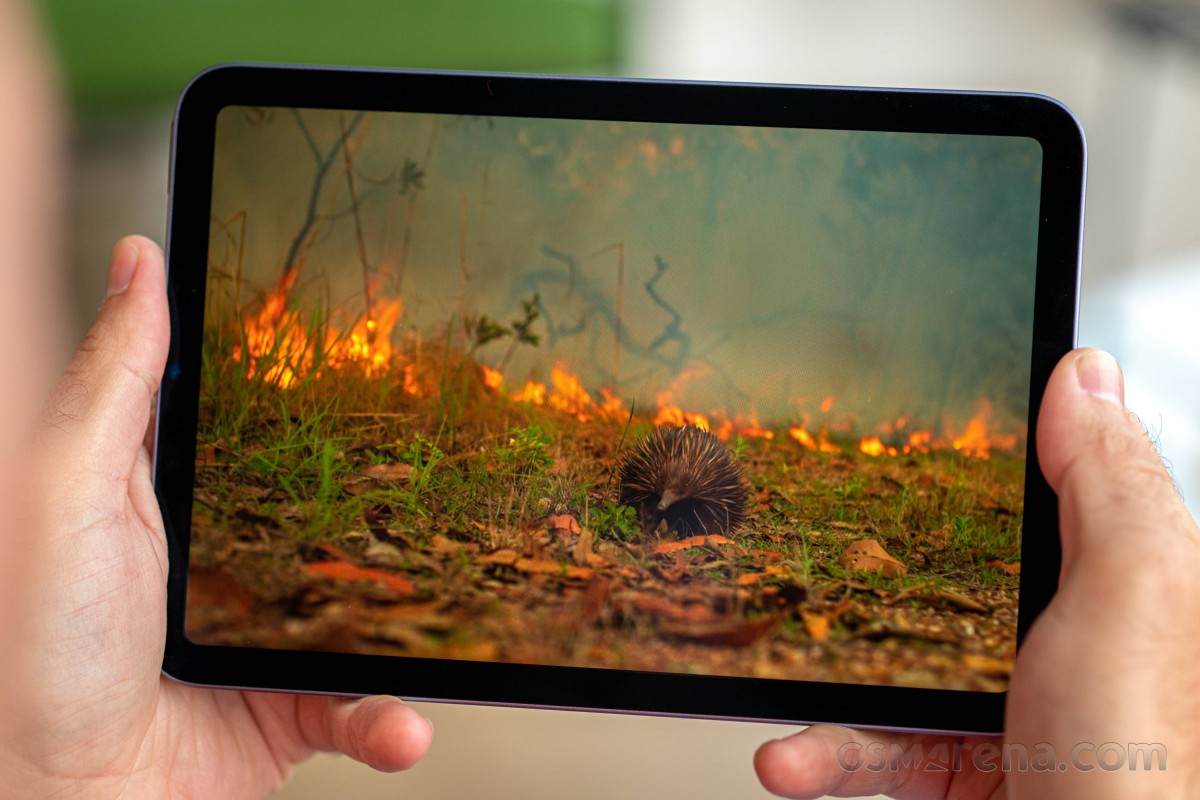
The iPad mini 6 screen also supports True Tone adjustments.
Apple promises 500 nits of typical (max) brightness on the iPad mini 6. We’ve completed our usual display measurements, and we measured 518nits of max brightness on this iPad screen. Combined with the decent blacks, the overall contrast ratio is excellent at 1325:1.
The minimum brightness is impressively low at 1.9 nits.
The iPad mini (2021) screen offers excellent color accuracy — we measured an average deltaE of 1.2 against sRGB targets. The screen fully supports DCI-P3, and it automatically switches to this gamma when DCI-P3 content is sent to the screen.
Now, let’s talk about the jelly effect when scrolling in portrait mode. It is there, we can confirm that. The left part of the screen scrolls a bit slower than the right one, and this is what many call wavy or jelly-like effect.
Apple says this is normal for LCD screens, here is the company’s statement:
Time to full charge (from 0%)
Lower is better
Unboxing the apple ipad mini (2021)
The Apple iPad mini (2021) comes packed in a white box, which contains the tablet itself, a USB-C cable and a 20W power adapter.
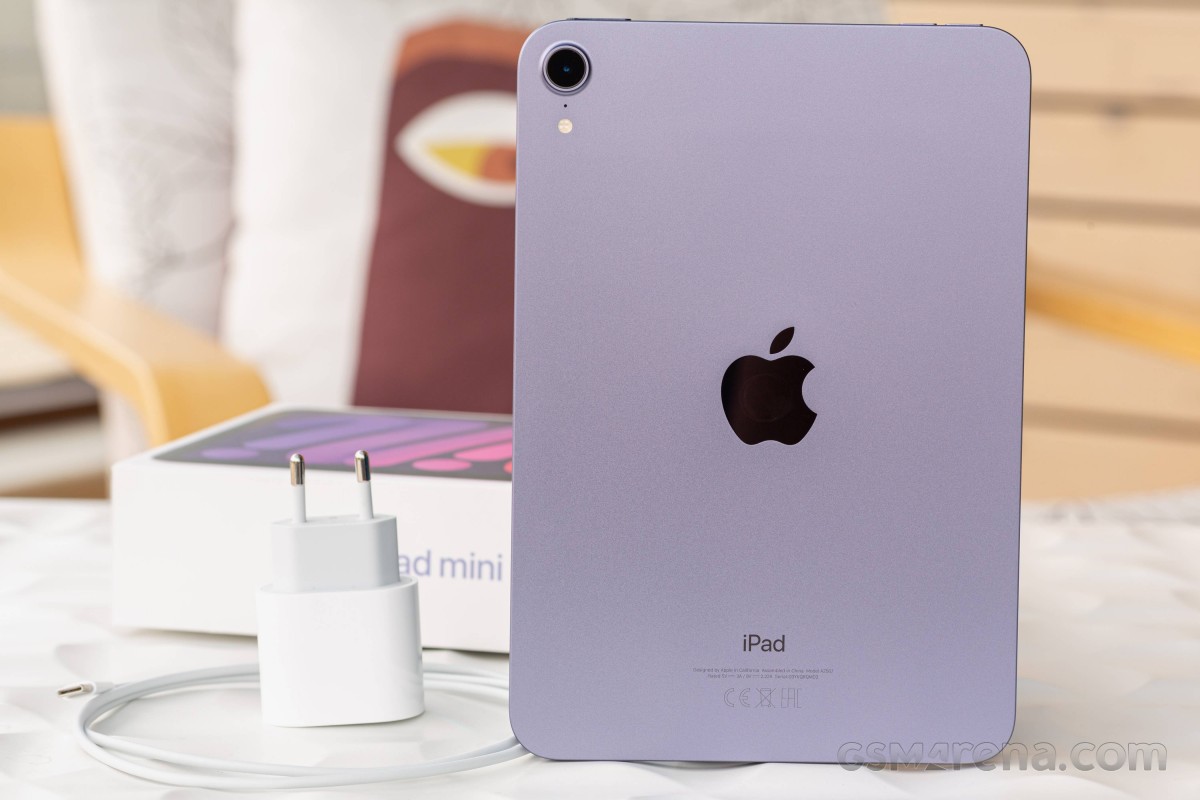
It’s nice to see that Apple hasn’t made the iPad bundles charger-less, at least not yet, though we fear the day is just around the corner.
Video quality
The Apple iPad mini (2021) captures videos up to 4K at 60fps with its rear camera and up to 1080p at 60fps with the front snapper. All videos are digitally stabilized, while the 30fps ones also offer an expanded dynamic range.
Audio is captured mono, though it’s pretty rich with good bass.
The 4K clips from the rear camera are outstanding — detail is abundant, the sharpness is just right, and everything looks natural and balanced. The colors are true to life, the dynamic range is rather good, and the contrast is excellent.


